The guide
Your first video with Claude, step by step.
No coding, no editing software. Here is everything to do, in order.
What you need
- A computer
- A Claude subscription
- A Mavena prompt
-
Step 1
Install Claude Code.
- Download the Claude app from claude.com/download, install it and sign in.
- Claude Code is inside: it's the “Code” tab, at the top of the app.
-
Step 2
Get a Claude subscription.
- Claude Code needs a paid plan: Claude's free plan doesn't include it.
- The smallest, Claude Pro, is about $20 a month.
-
Step 3
Choose the right prompt.
- One prompt per type of video: product launch, ad, app demo…
- It arrives by e-mail right after payment, with the detailed guide.
-
Step 4
Copy, paste, approve.
- Create an empty folder for your video and open it in Claude Code.
- Paste the prompt, add “Follow this prompt from start to finish.” and send.
- Claude asks its questions and shows you each step: you approve, it hands you your video.

Choose your prompt.
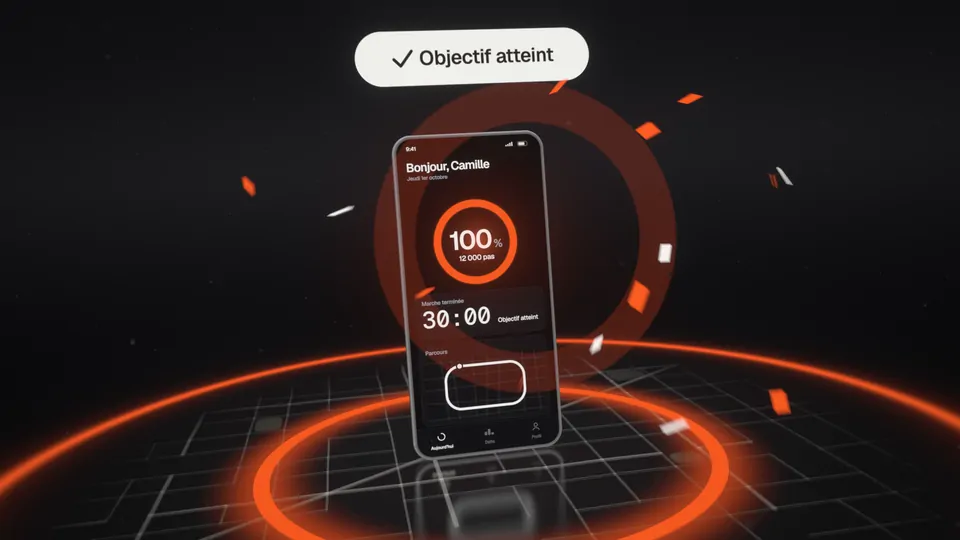
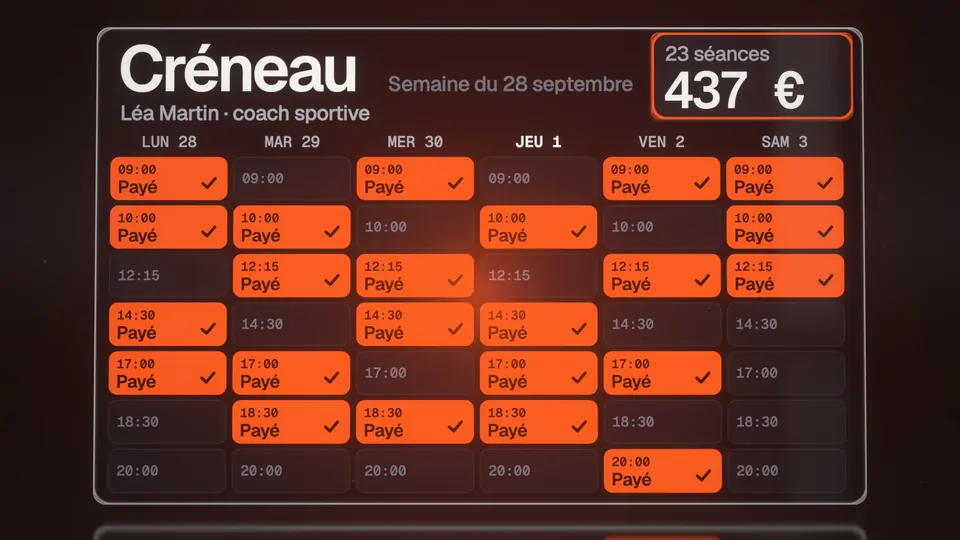
One prompt per type of video. With it, Claude makes yours, about your product or your idea.
Choose my promptThe detailed guide, with what to do when you're stuck, comes free with every prompt.